Every client site in one place
Each site with its plan, control points and service history. Sites with sensors also show on a map.
Where to put bait stations, and how far apart →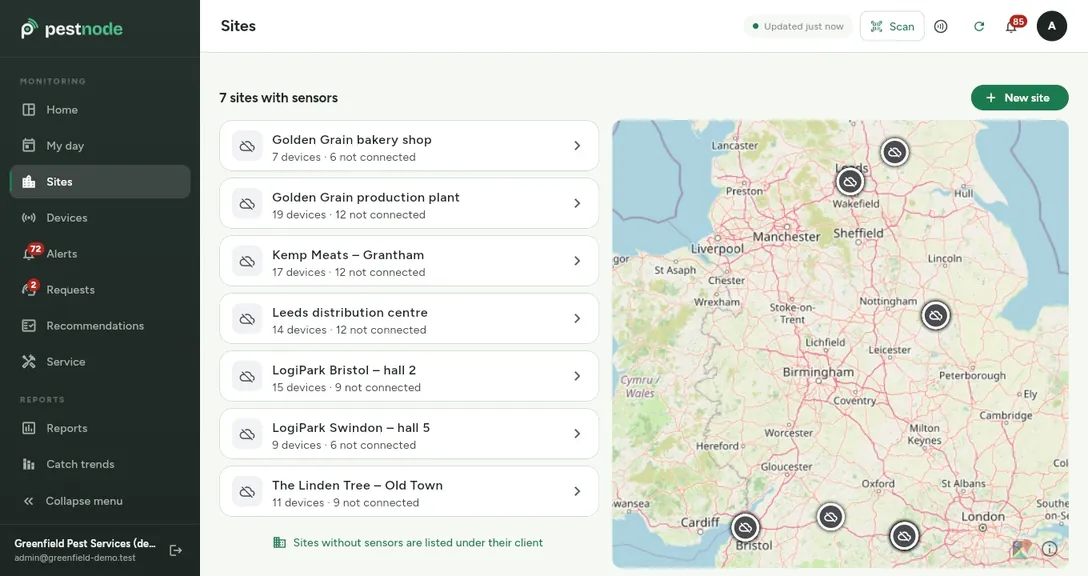
Technicians run the visit on their phone, the client signs on the screen, and the reports and the audit folder build themselves. No paperwork to type up at night.
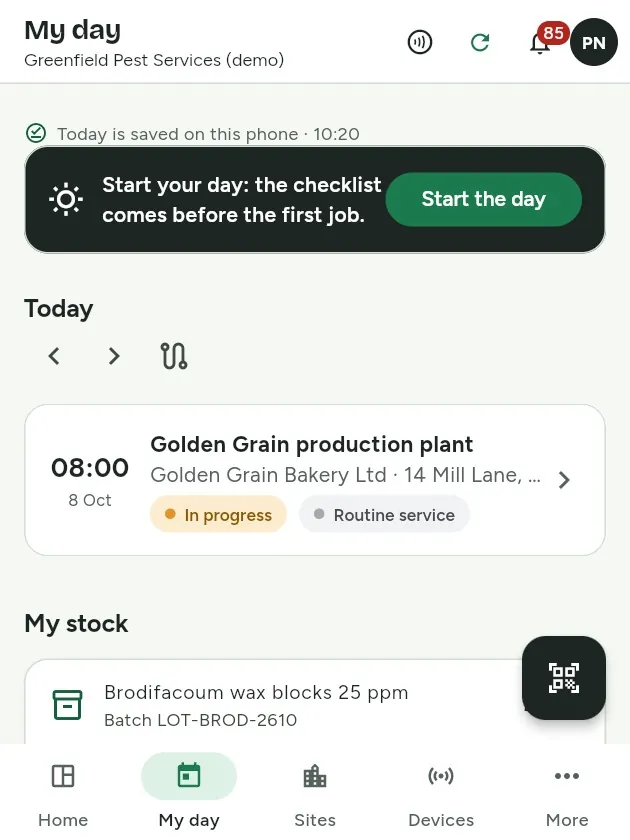
TodayAfter the visit, service reports are typed up from paper notes and signed on paper at the client.
With PestnodeThe technician records the visit on the phone, the client signs on the screen and the PDF report is ready.
TodayBefore an audit you build the folder from binders, emails and photos on phones.
With PestnodeVisit reports, the product-use log and catch trends download as ZIP and Excel.
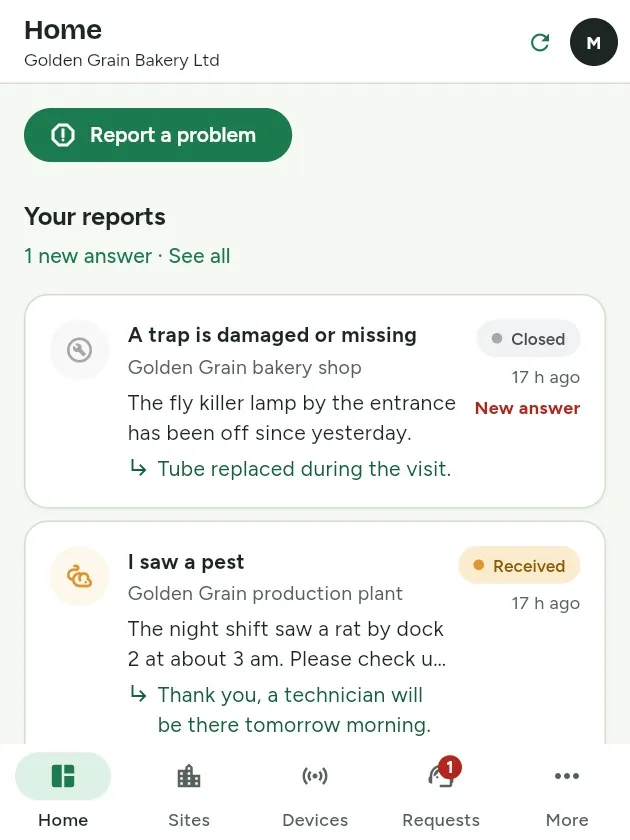
TodayClients phone to ask what was done.
With PestnodeClients see visits, reports and recommendations in their own portal.
Each site with its plan, control points and service history. Sites with sensors also show on a map.
Where to put bait stations, and how far apart →Visit reports, the product-use log and catch trends, exported as ZIP and Excel for the auditor.
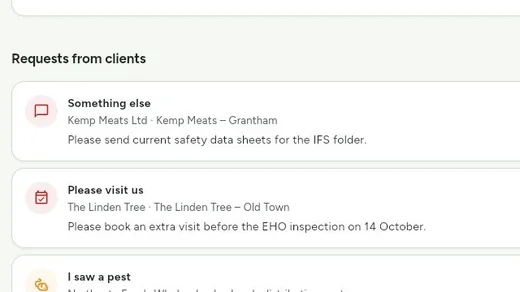
Clients report what they saw, where, with a photo. You answer in the app and can plan a visit straight from the report.
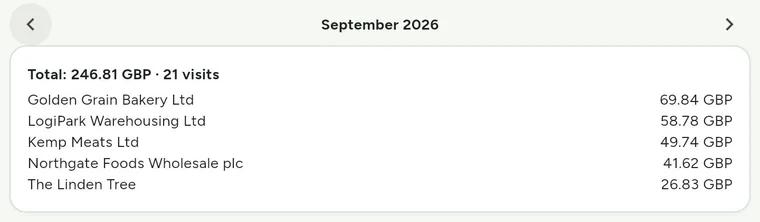
Working time, travel and the products used add up to the cost of each visit, with monthly totals per client.
We show a visit, its report and the audit folder on sites like yours. Online, at a time that suits you.
Send your clients and sites, from Excel for example, and we load them into your account.
Print a sheet of QR labels and stick them on the stations, glue boards and insect lights.
The technician runs it on the phone, the client signs on the screen and gets the report when the visit closes.
Every step is in the implementation guide (PDF). What a service report must contain →
Pestnode sensors sit in bait stations and traps and send their readings over LoRaWAN, a low-power radio network built for buildings and yards.
A technician starts and sets up a sensor by holding a phone to it (NFC). No laptop, no pairing codes.
Sensors are optional. Visits, reports and the client portal work without them.
No. Jobs, schedules, visits and client reports work without them. Passive points such as glue boards get QR labels instead.
The day's visits are stored on the phone, so work goes on in a basement or a cold store. Records sync by themselves once the phone is back online.
Yes. Technicians get a mobile app, and the web app installs on any phone as well. Each task at a point takes one tap: done, skip or photo.
Yes. Each client gets a read-only portal with their visits, reports and recommendations, and can report a problem there.
On servers in the European Union, in Germany. Each company sees only its own data, and its clients only their own sites.
Yes. Reports, the product-use log and catch trends download as ZIP and Excel at any time, as ordinary files that open without Pestnode.
In 20 minutes we show how Pestnode replaces the paperwork in your company, on sites like yours. No obligation.
Prefer to try it yourself? Create a company account, no card needed.
Or write to us: info@pestnode.com